A webhook integration is an automatic message one app sends to another the instant something happens, such as a new lead or a paid order, so the second app can act without anyone copying data by hand. It is how a funnel feeds your email list, spreadsheet, webinar tool and CRM in real time.
FlexiFunnels lets you set up these connections, and build and run your whole business, just by chatting. Tell Flexi Genie (built into your dashboard, see how it works) or ChatGPT, Claude or Gemini (through the FlexiFunnels MCP) what you want, approve it, and it is built. For example: "Send every new lead from my webinar opt-in form to my email list and to a Google Sheet." Prefer to click? Every integration below also works from your account settings in a few clicks, with no code.
See FlexiFunnels here | Start your 14-day free trial (no credit card required, every feature unlocked) | Integrations page
What is a webhook integration?
A webhook integration is a one-way, real-time notification. When an event happens in app A (a form is submitted, a payment succeeds), app A sends the event details to a web address that app B has given it. App B receives the data and does its job: add a subscriber, log a row, create a task. The general definition of a webhook is simply an HTTP callback triggered by an event.
Compare that with the old way. Without a webhook, someone exports a CSV every morning and pastes it into another tool. With one, the second tool already has the lead before the visitor finishes reading the thank-you page.
For a funnel, that matters because speed and accuracy decide revenue. A lead who gets a welcome email in seconds is warmer than one who gets it tomorrow. A sale that is logged instantly can unlock a course, trigger a delivery email and update your reporting in one go.
Why do funnels need integrations at all?
A funnel collects leads and takes payments, but you usually keep your email list, your spreadsheet, your webinar room and your reporting in other places. Integrations are the wiring between them. Without wiring, you become the wiring.
Here is a hypothetical example, clearly labelled as an illustration. Say you capture 400 leads a month and each one takes about 2 minutes to copy by hand between tools. That is 400 x 2 = 800 minutes, about 13.3 hours. At an example value of $25 an hour, that is roughly $333 of time a month spent on copy and paste, plus the delay and the typos. Automation turns that into zero minutes.
The goal of an integration is not to be clever. It is to make sure every lead and every sale reaches the right place, once, quickly.
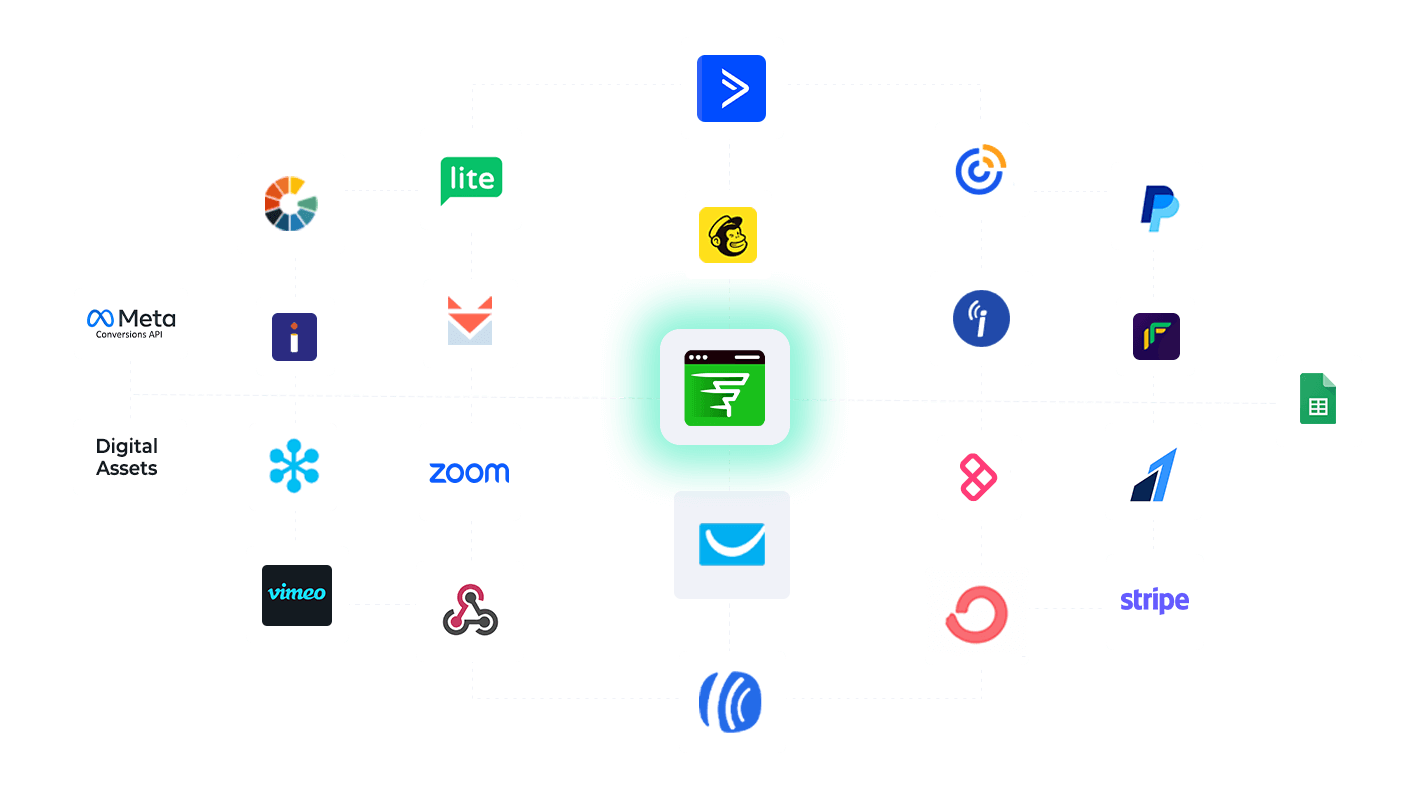
FlexiFunnels connects email, payments, webinars and data tools to one funnel account. Source: FlexiFunnels integrations page.
Which tools does FlexiFunnels connect to?
FlexiFunnels lists 25+ native integrations, plus webhooks and Google Sheets, and says every integration is included in the plan at no extra cost. The categories below come straight from the FlexiFunnels integrations page.
Category | Tools named on the integrations page |
|---|---|
AI assistants | Claude, ChatGPT, Gemini, Claude Code, Codex, Antigravity (through the FlexiFunnels MCP, 170+ actions) |
Automation | Zapier, n8n, Make and generic webhooks |
Email marketing | Mailchimp, ActiveCampaign, Klaviyo, ConvertKit, AWeber, GetResponse, MailerLite, Brevo, Drip, HubSpot, Constant Contact, iContact, Sendlane, SendFox, Flodesk, Moosend, Encharge, Close, Vbout, Acumbamail, Mailjet, Emailit, plus HTML form code for any other autoresponder |
Payments (8 gateways) | Stripe, PayPal, Paddle, plus regional gateways for India, Southeast Asia and Africa: Razorpay, Cashfree, Instamojo, Xendit, Paystack |
Ads and tracking | Meta Conversions API, pixels and retargeting code, Facebook and Instagram ad accounts (read-only, for Source Tracking) |
Webinars and video | GoToWebinar (built in), Zoom (through a webhook), YouTube, Vimeo, Wistia, Gumlet |
Data | Google Sheets (real-time), CSV export, webhooks |
Domains | Sub-domains and main domains with free SSL; custom sending domain for email |
Built in, no add-ons | Course area, community, digital delivery, affiliate program |
If a tool is not on the list, you have three fallbacks: paste its HTML form code, send data to it with a webhook, or route it through Zapier, n8n or Make.
How does FlexiFunnels send leads to your email tool (autoresponder integration)?
An autoresponder integration adds each new lead to a list in your email tool the moment they opt in. FlexiFunnels connects natively to the major email platforms, including AWeber, ActiveCampaign, GetResponse, Mailchimp, ConvertKit, MailerLite, SendFox, Brevo, Drip and HubSpot, so you pick a list from a dropdown instead of pasting code.
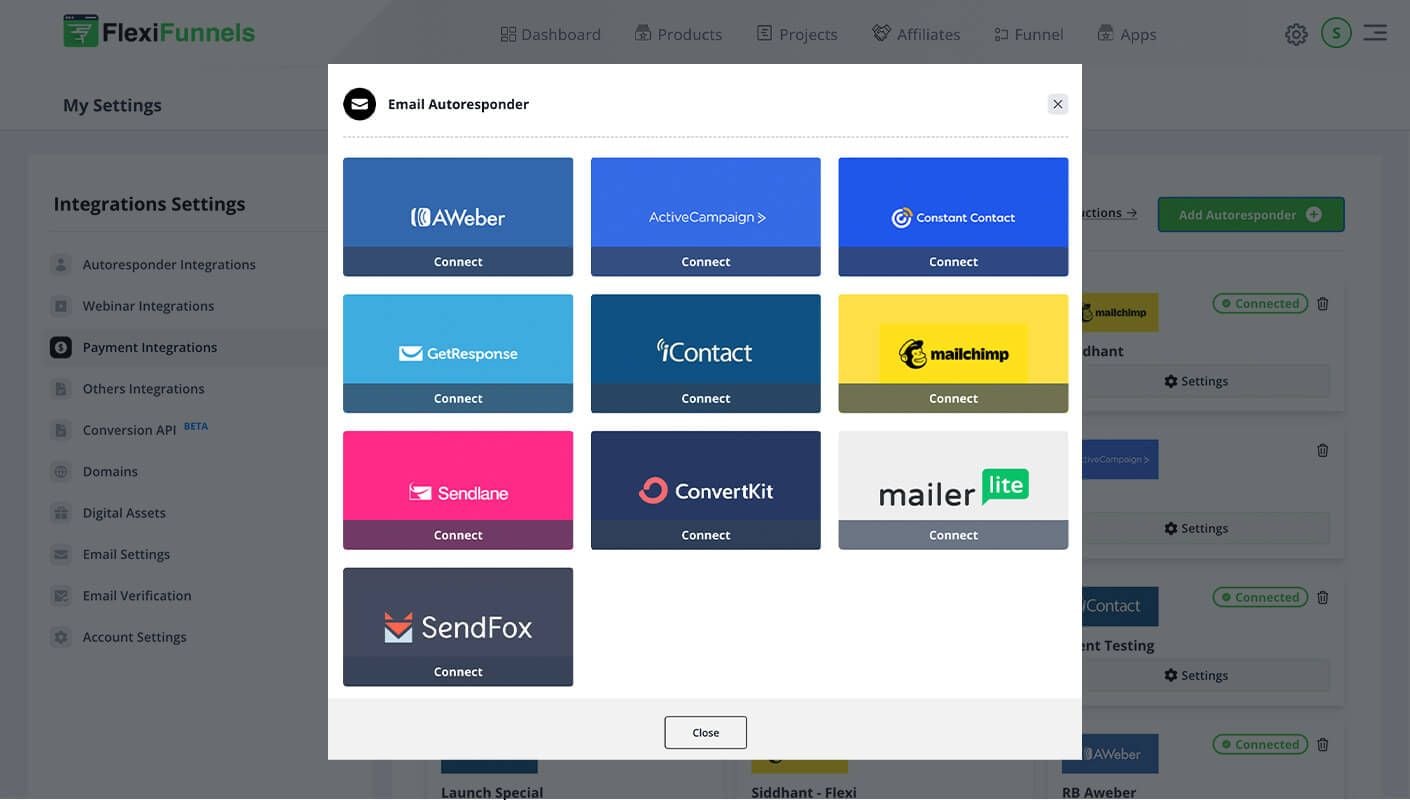
Native email integrations: choose a list per form or product. Source: FlexiFunnels integrations page.
FlexiFunnels describes the setup in three steps:
Connect your tools from settings, or ask your AI to do it.
Choose where data goes. Select the list, webhook or Google Sheet for each form and product. One buyer can go to several lists.
Let it run. Leads and sales are delivered in real time through an auto-scaling queue.
The platform also says one page or form can send data to 4 or 5 places at once, for example a webinar platform, an autoresponder and a webhook. That is useful when a single opt-in needs to register someone for a live event, put them on a nurture sequence and ping your team.
If your email tool is not supported natively, use the HTML form code for that autoresponder or send the lead with a webhook. Either way the funnel stays the same.
How do webhooks work in FlexiFunnels?
A FlexiFunnels webhook sends lead, purchase and cart data to any web address you choose, so any app that can receive a webhook can react to your funnel. The integrations page lists these webhook options:
Multiple webhooks per opt-in form.
Purchase data, including order bump buyers.
Cart abandonment data for follow-up.
Zapier, n8n and Make connect through webhooks and the MCP.
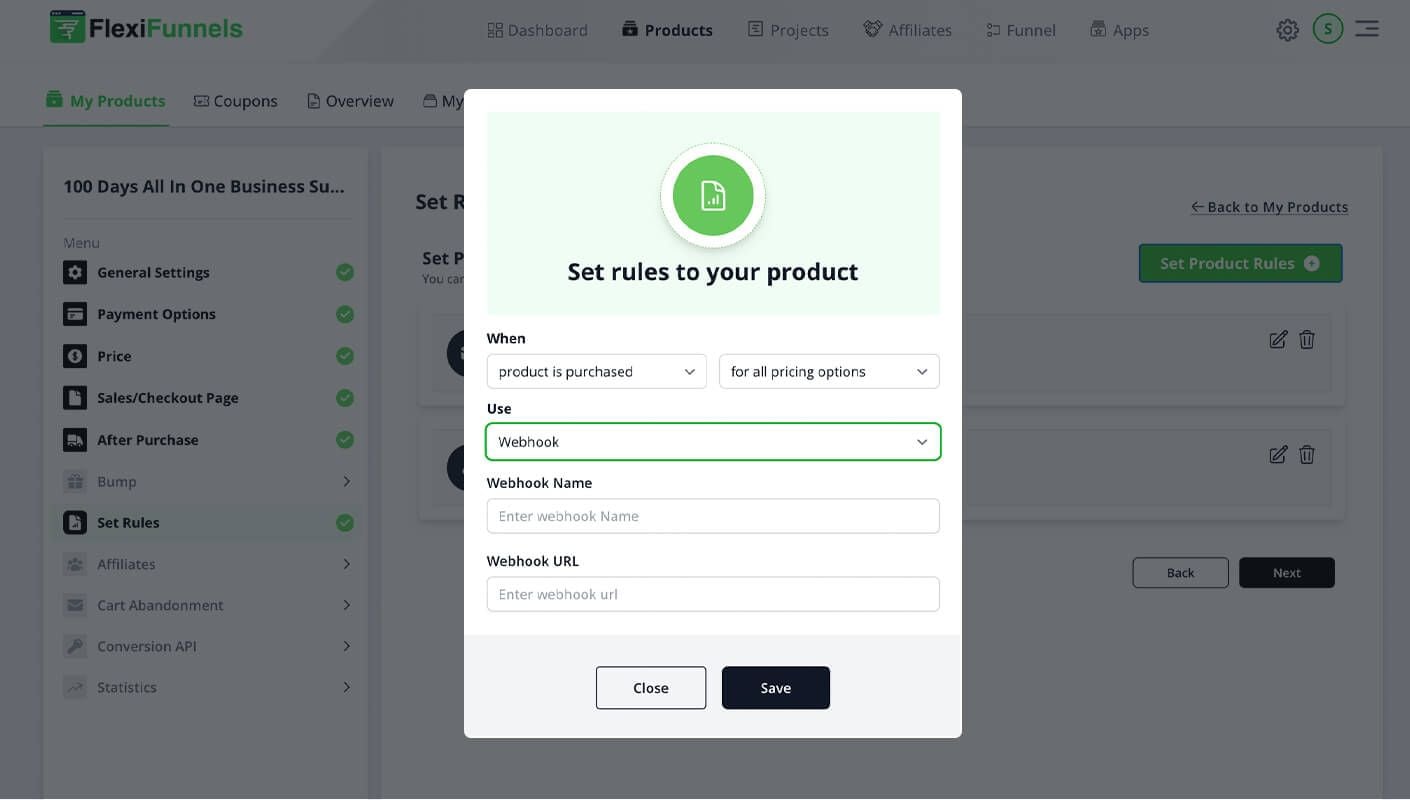
One form can fire several webhooks. Source: FlexiFunnels integrations page.
Steps to set up a webhook integration
The exact screens may change, so use the in-app tutorials for click-by-click help. The general flow is the same on every platform:
In the receiving app (Zapier, n8n, Make, your CRM), create a trigger of type "webhook" and copy the URL it gives you.
In FlexiFunnels, open the form or product you want to connect and add that URL as a webhook.
Submit a test lead or run a test order.
Check the receiving app. Map the fields (name, email, product, amount) to where you want them.
Turn the automation on and watch the first few real leads arrive.
Always test with a real submission before sending paid traffic. A single wrong field mapping can quietly drop every lead.
How do you send funnel data to Google Sheets?
FlexiFunnels can send form data to Google Sheets in real time, and you can also export leads and sales as CSV at any time. A sheet is the simplest "database" for a small business: one row per lead, shared with your team, filterable in seconds.
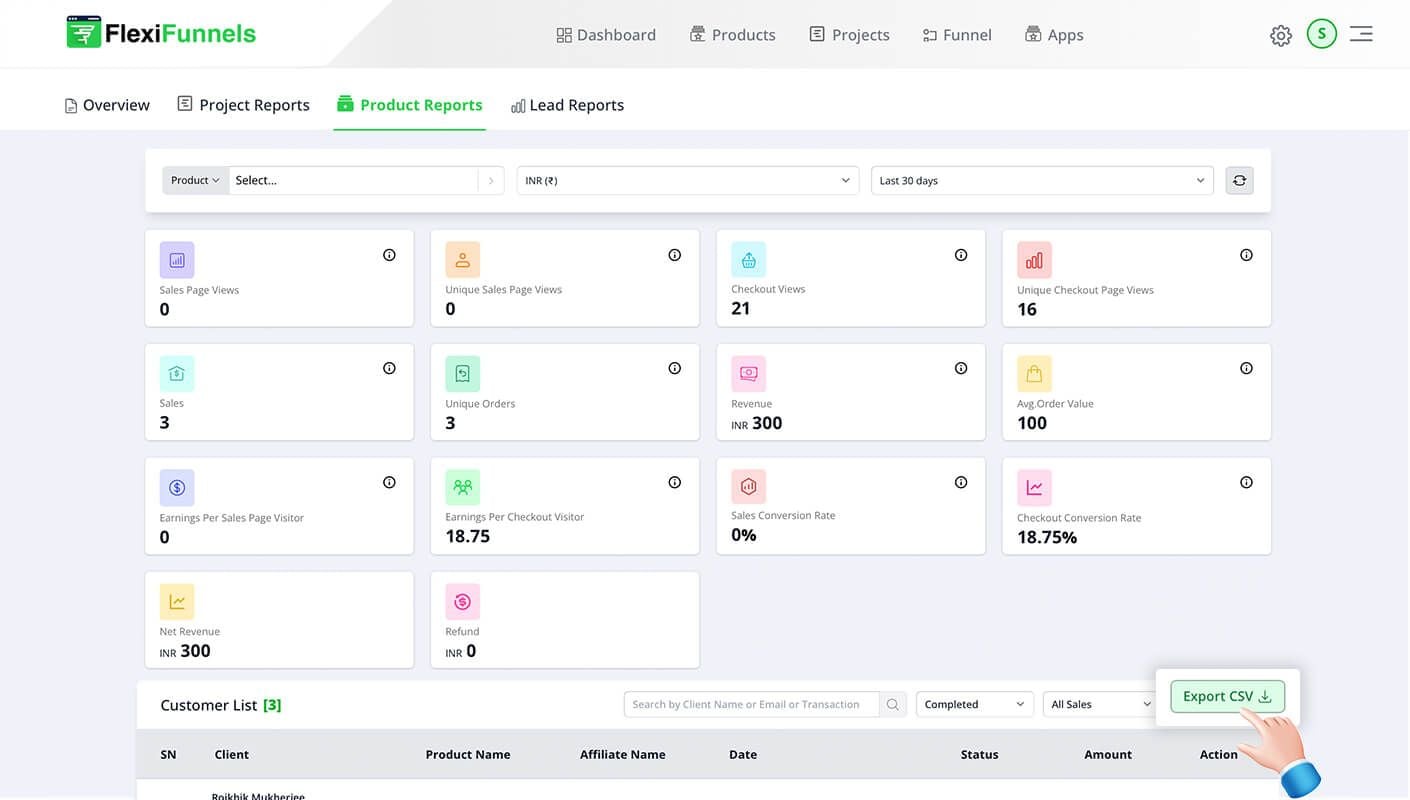
Google Sheets delivery in real time, plus CSV export. Source: FlexiFunnels integrations page.
Good uses for a lead sheet:
A shared list your sales assistant calls through each morning.
A backup copy of every lead, independent of any email tool.
A source for simple charts: leads per day, per page, per campaign.
The Google Sheets API itself is documented by Google in its Sheets API concepts guide if you want to build on top of your data later.
How do payments connect, and what happens after a sale?
FlexiFunnels connects to eight payment gateways, and a checkout can show multiple gateways side by side. Stripe, PayPal and Paddle cover most global sellers; Razorpay, Cashfree, Instamojo, Xendit and Paystack are regional gateways for India, Southeast Asia and Africa. You can connect multiple accounts per gateway and multiple gateways per checkout.
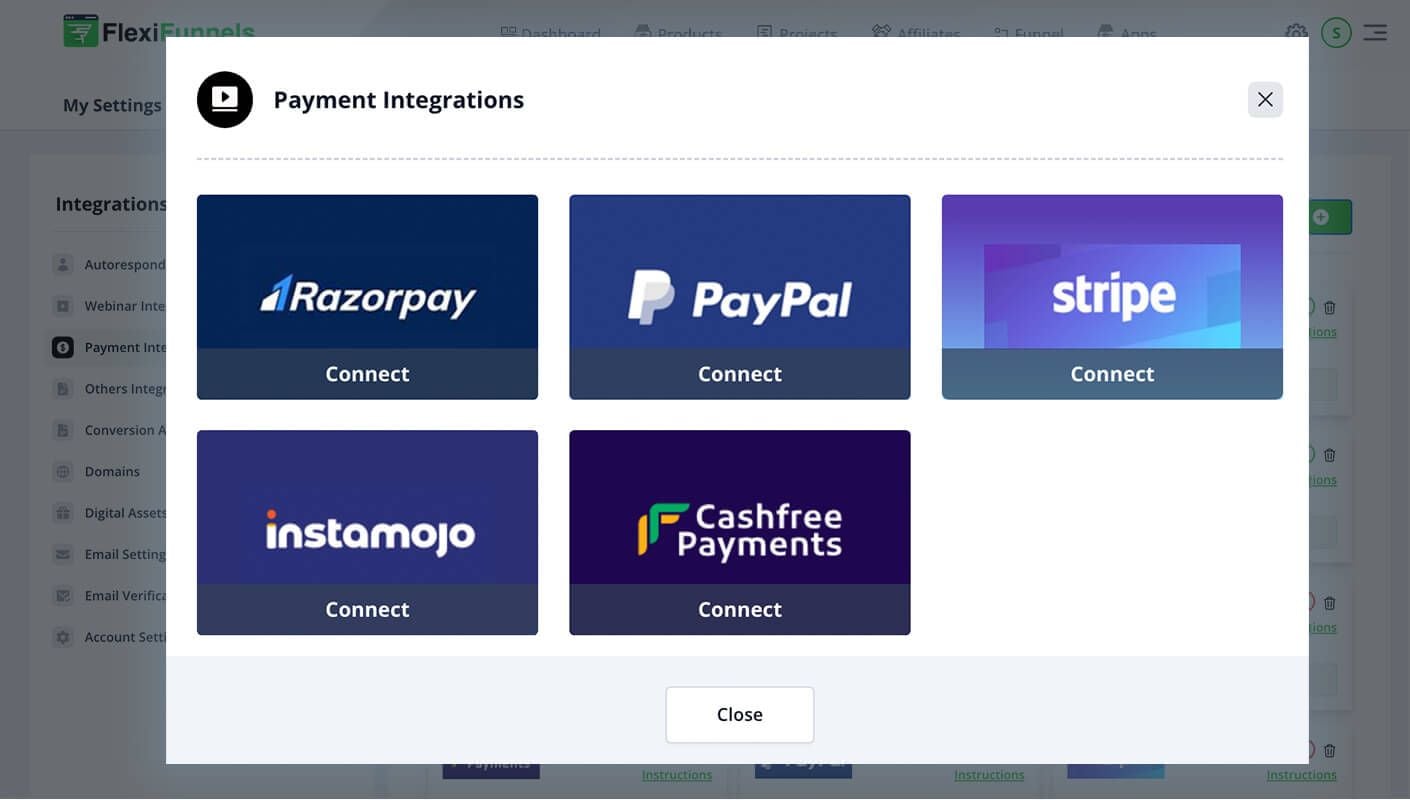
Payment gateways connect to the same checkout. Source: FlexiFunnels integrations page.
Two details from the integrations page are worth knowing:
Subscription auto-pay runs on Stripe, PayPal, Paddle, Razorpay and Cashfree. See our guide to recurring payments.
Paddle acts as merchant of record for global sales tax and VAT.
After a sale, purchase data (including order bump buyers) can go out by webhook, join an email list, land in a sheet and unlock course access. Design the checkout itself with our checkout page guide, and add an order bump to raise order value.
FlexiFunnels also charges a 1% transaction fee on sales through its pages on both plans, on top of your gateway's own charges.
Can you connect webinar tools like GoToWebinar and Zoom?
Yes. GoToWebinar is a built-in integration, so a registration form on your funnel can register the person for your event automatically. Zoom connects through a webhook. YouTube, Vimeo, Wistia and Gumlet are listed for video.
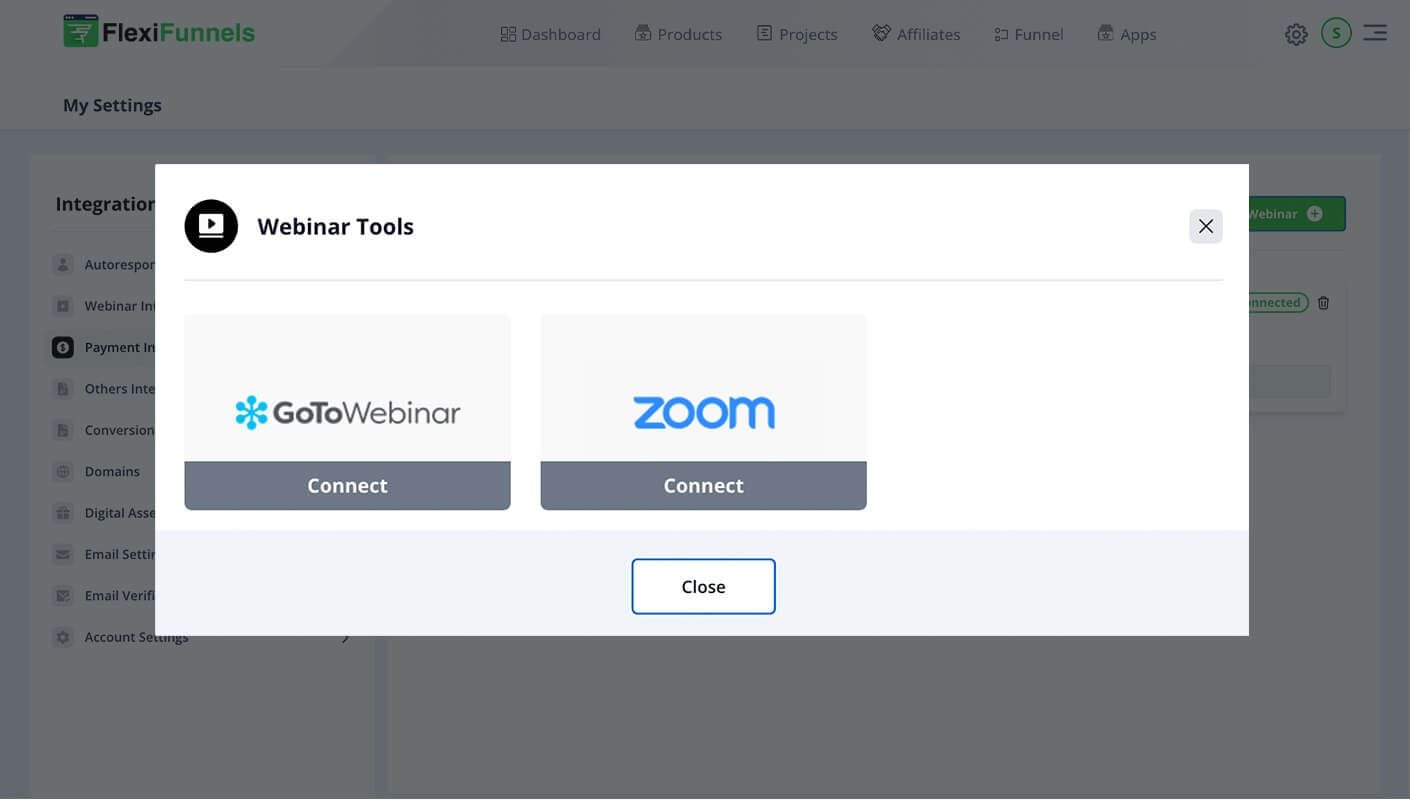
GoToWebinar is built in; Zoom connects through a webhook. Source: FlexiFunnels integrations page.
A common setup: one registration page sends the lead to your webinar platform (so they get the join link), to your email tool (so they get reminders) and to a webhook (so your team is notified). Because one form can send to 4 or 5 places, you do not need three separate forms.
What about ad tracking and the Facebook Conversions API?
FlexiFunnels sends leads and purchases to Meta server-side through the Conversions API, with 7 to 8 matching details per event, on both plans. Server-side events do not depend on a browser pixel firing, which helps your ad platform learn from real results. Meta documents the approach in its Conversions API documentation.
Ad accounts connect read-only for Source Tracking, so FlexiFunnels can show which ad brought a lead without being able to change your campaigns. For the reporting side, see our guide to funnel analytics.
Which method should you use: native, webhook, or Zapier, n8n and Make?
Use a native integration when one exists, a webhook when you want a direct feed to one app, and Zapier, n8n or Make when one event must trigger several steps in several apps.
Method | Best for | Setup effort | Example |
|---|---|---|---|
Native integration | Email tools, GoToWebinar, payment gateways | A few clicks: connect, pick a list | New lead goes to a Mailchimp list |
Webhook | Any app that accepts a webhook URL | Paste a URL, map fields, test | New order notifies your support desk |
Zapier, n8n or Make | Multi-step workflows across many apps | Build a workflow in the automation tool | Sale creates a CRM contact, a Slack message and an invoice |
Google Sheets | A live lead log for your team | Connect once, choose the sheet | Every lead becomes a row |
HTML form code | An autoresponder with no native link | Paste form code | Opt-ins go to a smaller email tool |
Best for: FlexiFunnels suits sellers who want these connections included in the plan and who value that it builds and runs by chat (Flexi Genie + MCP). Zapier, n8n and Make suit people who already run large multi-app workflows.
Do it by chatting: the FlexiFunnels MCP
Everything in this post can also be done through the FlexiFunnels MCP. Connect ChatGPT, Claude or Gemini to your FlexiFunnels account, ask in plain words, approve, and it is done. The integrations page says the AI can connect to your account but asks before making changes and never deletes. Read the full MCP guide. The same chat is built into your dashboard as Flexi Genie (learn more).
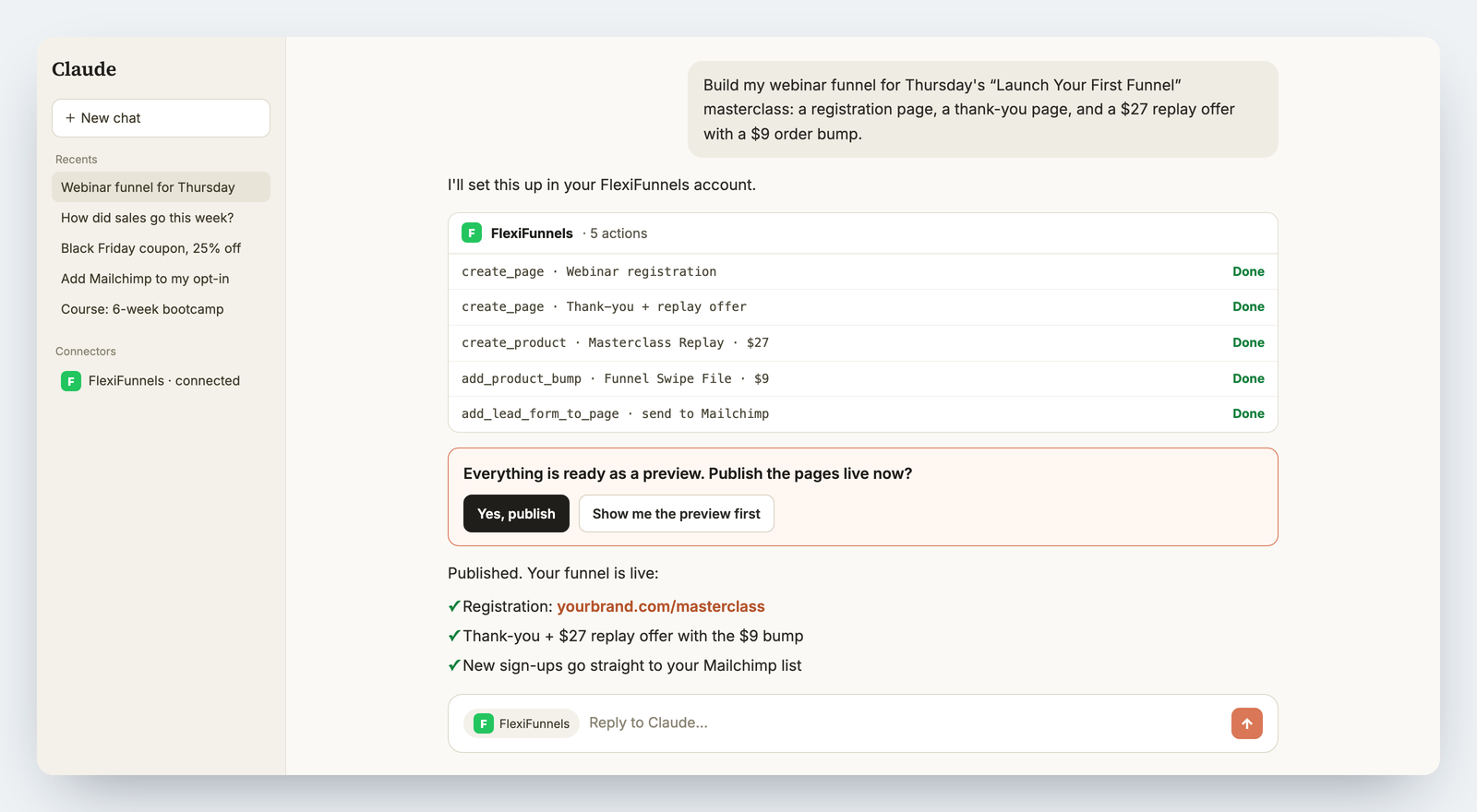
Ask your AI assistant to connect tools instead of clicking through settings.
Example prompts:
"Connect my Mailchimp account and send every new lead from my free-guide opt-in to my 'New leads' list."
"Add a webhook to my webinar registration form that posts to this URL, then send a test lead."
"Send every new lead and every purchase to my Google Sheet, one row each."
Mainly what changes is who does the clicking. You still review and approve each step.
How to switch it on if you are already a customer
Existing customers can start from the settings area of their FlexiFunnels account, where FlexiFunnels says tools are connected, then choose the destination on each form and product. FlexiFunnels does not publish an exact click path on its public pages, so use the in-app video tutorials or ask Flexi Genie to walk you through it.
Connect the tool (email platform, Google Sheet, webinar tool) in settings.
Open the opt-in form or product and choose where its data goes.
Submit a test lead or a test order.
Confirm it arrived in every destination, then publish.
Who is this for, and what are the limits?
It is for coaches, course creators, agencies and online sellers who want every lead and sale to flow into the tools they already use. Agencies can connect each client's tools separately. If you want to see the platform first, start your 14-day free trial.
Honest limits to keep in mind:
A webhook only sends data when an event happens. It does not back-fill old leads (use the CSV export for those).
The receiving app decides what it can do with the data. If it cannot accept a webhook, use Zapier, n8n, Make or form code.
Public pages do not list a cap on webhooks per form beyond "multiple", so check the tutorials for your case.
FlexiFunnels supports single-product funnels; multi-product stores are not supported yet.
Prefer a walkthrough? Book a free 1:1 consultation with the FlexiFunnels team. Support is available 24/7, and FlexiFunnels is trusted by 23,000+ businesses.
Frequently asked questions
What is a webhook integration in simple terms?
It is an automatic notification between two apps. When something happens in the first app, such as a form submission or a payment, it immediately sends the details to a web address in the second app. The second app uses that data right away, so nobody has to export or paste anything by hand.
What is the difference between a webhook and an API?
With an API, your app asks another app for data when it wants it. With a webhook, the other app pushes data to you the moment an event happens. APIs are like checking your mailbox; webhooks are like the postman ringing your doorbell.
What is an autoresponder integration?
It links your funnel to your email tool so each new lead is added to a chosen list automatically, which starts your welcome emails. FlexiFunnels connects natively to tools including AWeber, ActiveCampaign, GetResponse, Mailchimp, ConvertKit, MailerLite, SendFox, Brevo, Drip and HubSpot.
Does FlexiFunnels work with Zapier, n8n and Make?
Yes. The FlexiFunnels integrations page lists Zapier, n8n and Make, and says they connect through webhooks and the MCP. Use them when one funnel event should trigger several steps across different apps, such as creating a CRM contact and sending a team notification.
Can I send leads to Google Sheets?
Yes. FlexiFunnels can deliver form data to Google Sheets in real time, and you can export leads and sales as CSV whenever you like. Choose the sheet as the destination for a form or product, then send a test lead to confirm the row appears.
Can one form send data to several tools at once?
Yes. FlexiFunnels says a single page or form can send data to 4 or 5 places at the same time, for example a webinar platform, an autoresponder and a webhook. One buyer can also be added to several lists, so you do not need duplicate forms.
What if my email tool is not on the list?
Use the HTML form code for that autoresponder, or send the lead by webhook. You can also route it through Zapier, n8n or Make. The integrations page says any tool that accepts a webhook or form code can receive your leads.
How fast is delivery?
FlexiFunnels says leads and sales are delivered in real time through an auto-scaling queue that runs on AWS, so data goes to your tools as it happens, including during traffic spikes. Exact delay depends on the receiving app, so always send a test lead first.
Can I set up integrations by chatting with AI?
Yes. Ask Flexi Genie in your dashboard, or connect ChatGPT, Claude or Gemini through the FlexiFunnels MCP. Describe what you want, approve it, and it is set up. The AI asks before making changes and never deletes, according to the integrations page.
Is there a cost for integrations?
FlexiFunnels says every integration is included in the plan at no extra cost. Plans are Professional at $447 a year and Premium at $697 a year, with a 14-day free trial that needs no credit card. A 1% transaction fee applies to sales through your pages, plus your payment gateway's own charges.
Does it work outside the US?
Yes. FlexiFunnels is built for sellers worldwide. Customers in India can also pay in INR including GST and use regional gateways such as Razorpay and Cashfree alongside Stripe and PayPal. Everything else in this guide works the same in every country.
See FlexiFunnels here | Try FlexiFunnels here: start your 14-day free trial | See every integration | Book a free 1:1 consultation
Related reading: sales funnel builder guide, abandoned cart emails, online course platform. Outside source for the Stripe side of webhooks: Stripe webhooks documentation.